

Registration
Register for Flexito OmniAI through Flexito 360 , the unified customer dashboard used to access and manage your Flexito account. The current OmniAI registration and subscription entry point is: https://360.flexito.ai/auth How to Create Your Flexito OmniAI Account 1. Open the…
Listen to an audio overview
A short, AI-generated podcast-style summary of this article.
Generated August 19, 2026
On this page
How to Register for Flexito OmniAI
Register for Flexito OmniAI through Flexito 360, the unified customer dashboard used to access and manage your Flexito account. The current OmniAI registration and subscription entry point is:
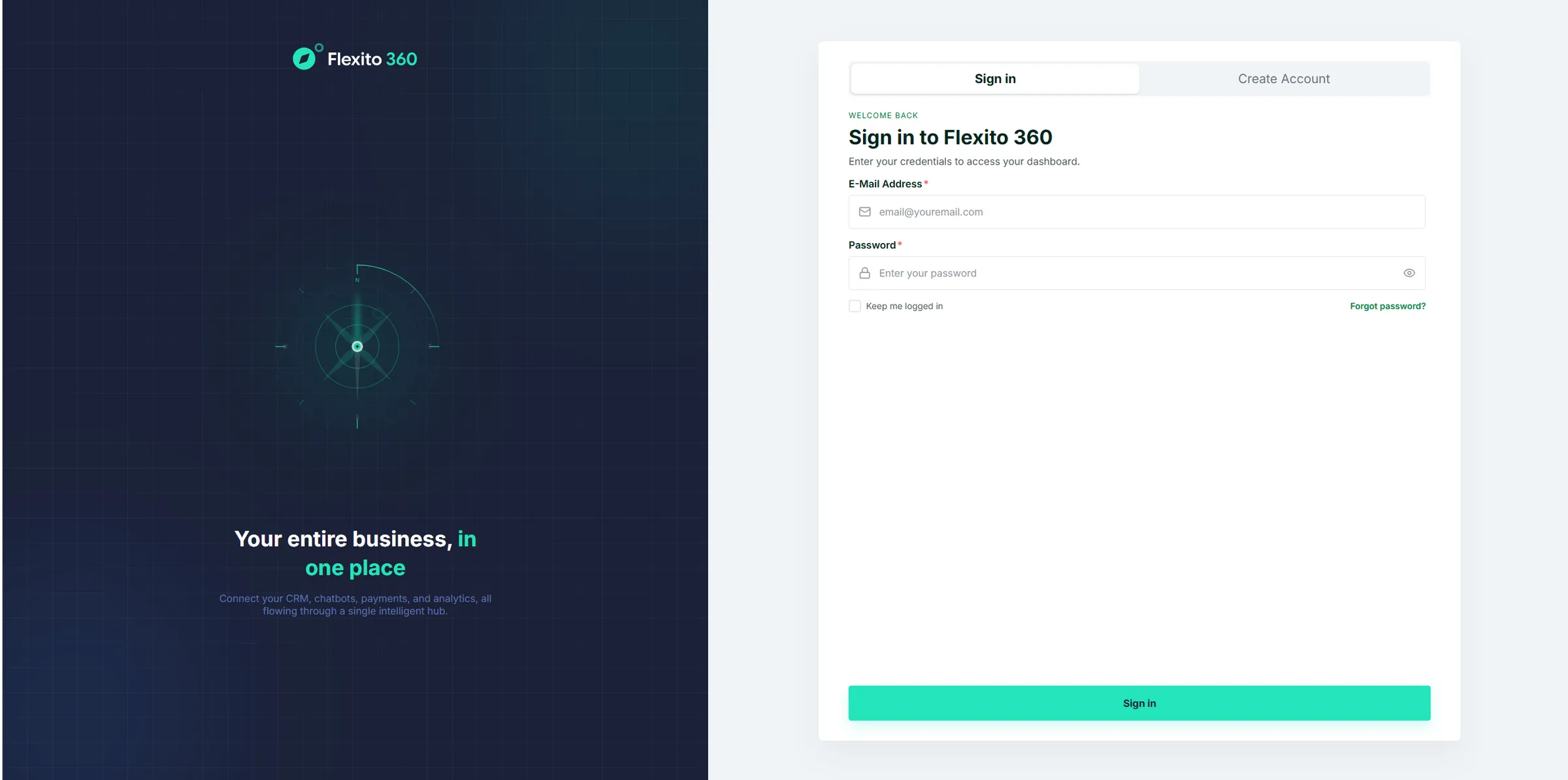
How to Create Your Flexito OmniAI Account
1. Open the Flexito 360 Registration Page
Go to:
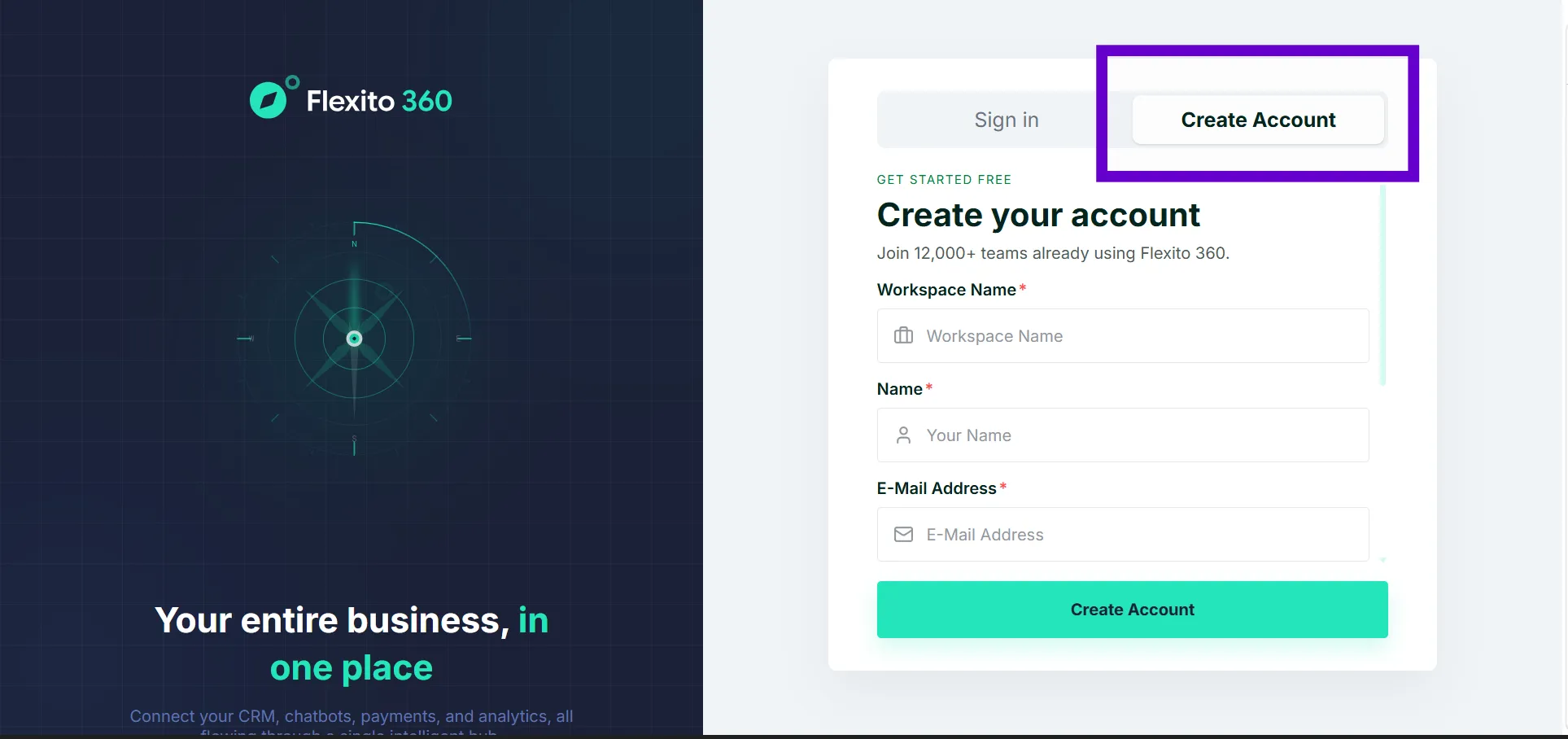
This is the current customer registration entry point for Flexito OmniAI.
2. Follow the Account Setup Process
Complete the account information requested on the Flexito 360 registration screen.
Important: The exact registration fields and labels may change as Flexito 360 evolves. Follow the fields displayed in the current interface.
3. Select Your OmniAI Subscription
Flexito OmniAI uses a self-service subscription flow. Choose the plan that fits your needs as part of the customer signup and billing journey.
For current plan availability and subscription details, see the Flexito Pricing page:
4. Continue to Flexito 360
Flexito 360 is the unified customer dashboard for your Flexito account. After your account setup is complete, use Flexito 360 to access and manage your Flexito services.
What Is Flexito 360?
Flexito 360 is the customer dashboard included with Flexito subscriptions. It provides a central place for customers to access and manage their Flexito account and services.
Flexito 360 is not a separate Flexito product.
Frequently Asked Questions
Where do I register for Flexito OmniAI?
Register through the Flexito 360 OmniAI page:
https://360.flexito.ai/billing/omni-ai
Is Flexito OmniAI signup self-service?
Yes. Flexito OmniAI subscription is designed as a self-service process, allowing customers to select a plan and start their account setup without requiring a sales call.
Do I need coding experience to use Flexito OmniAI?
No. Flexito OmniAI is a no-code platform designed so customers can build and manage AI assistants without writing code.
Where can I compare Flexito OmniAI plans before registering?
Use the Flexito Pricing page: